The online learning environment may be a new way of learning for some people. With our new virtual course calendar, we wanted to offer some online learning tips so you can get the most out of your course.
Online Learning Tips
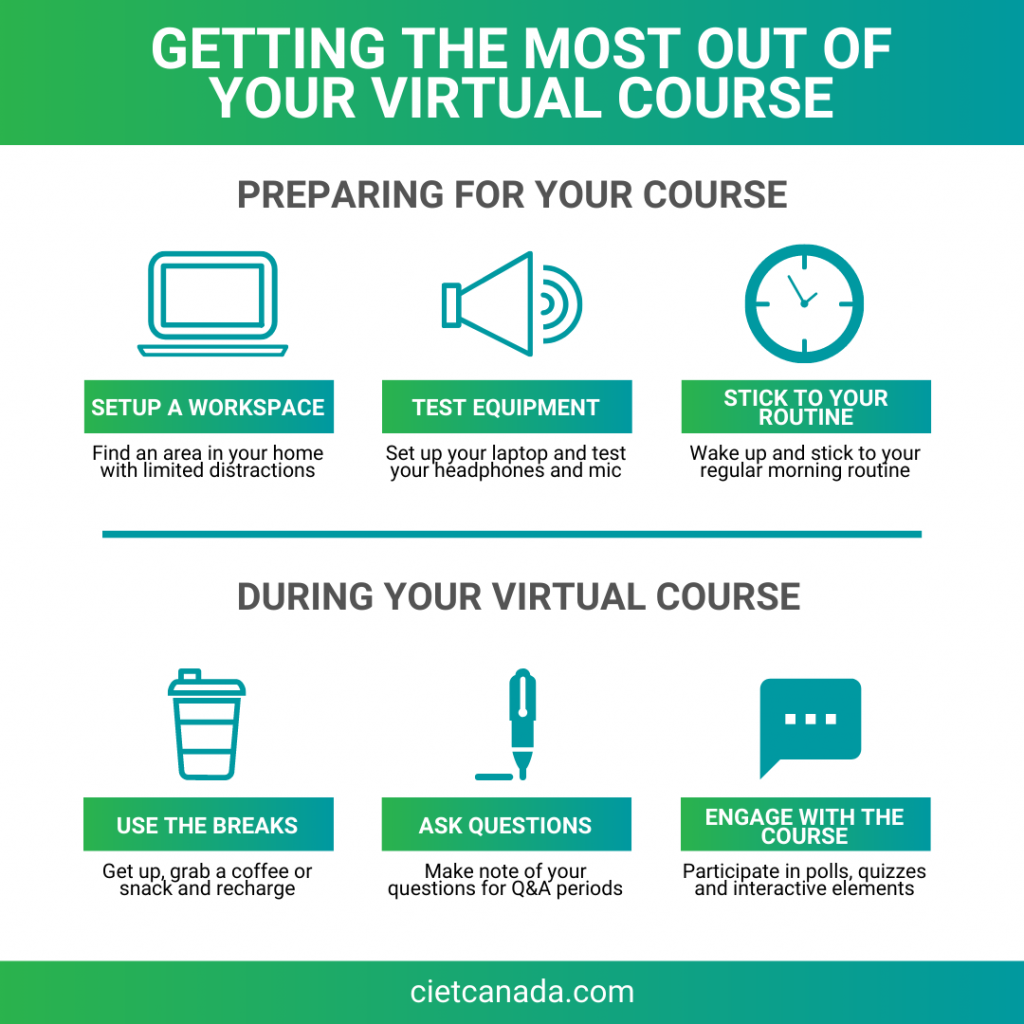
- Set up a dedicated workspace. Find an area in your home that has limited distractions and noise.
- Use a laptop or desktop computer. For the best experience, use a laptop or desktop computer rather than your mobile device.
- Test your equipment before the webinar begins. Plugin your headphone to make sure they work, and test your microphone
- Keep your training materials close by. Participants will receive a hard copy of the training material prior to the online course. Keep it in your workspace so you can follow along with the virtual course.
- Use a comfortable chair.
- Give yourself some time to get ready. Treat your online course like work. Wake up, do your regular morning routine, and get ready for the day.
- Use the breaks. During the scheduled breaks, take some time to get up and walk around your home, grab a coffee or water, get something to eat, and recharge yourself for your next module.
- Make note of your questions. When you have questions, write them down so you can remember them during the question periods.
- Engage with the webinar. To get the most out of your online learning experience, be sure to participate in the polls and interactive elements.
Get more information about CIET's virtual real-time courses and visit our energy efficiency training calendar to register for an upcoming course.